Install Bika.ai via Helm Chart
Prerequisites
- Kubernetes 1.23+
- Helm 3.8.0+
- PV provisioner support in the underlying infrastructure
Manual Install
Install postgres operator
Optional, to be installed separately when enabling postgres
kubectl apply --server-side -f https://raw.githubusercontent.com/percona/percona-postgresql-operator/refs/tags/v2.4.0/deploy/bundle.yaml --namespace <namespace>Install mongodb operator
Optional, to be installed separately when enabling mongodb
kubectl apply --server-side -f https://raw.githubusercontent.com/percona/percona-server-mongodb-operator/v1.16.0/deploy/bundle.yaml --namespace <namespace>Install bika.ai helm
To install/upgrade the chart with the release name bika-release:
helm upgrade --install bika-release oci://registry-1.docker.io/vikadata/bika-helm-chartThese commands deploy Bika on the Kubernetes cluster in the default configuration. The section lists the parameters that can be configured during installation.
Tip: List all releases using helm list.
Uninstall bika.ai helm
To uninstall:
helm uninstall bika-releaseConfiguration
example
values.yaml
version: latest

web:
  envFile:
    # -- replace the following with your own values
    #SYSTEM_EMAIL_PROVIDER: '{"provider": "smtp", "host": "smtp.host.com", "username": "sender@example.com", "password": "xxxxx", "port": 465}'
    #SYSTEM_EMAIL_PROVIDER: '{"provider": "smtp", "host": "smtp.host.com", "username": "sender@example.com", "password": "xxxx", "port": 465}'
Verify the installation
After the installation is complete, you can check the status of Bika with the following command:
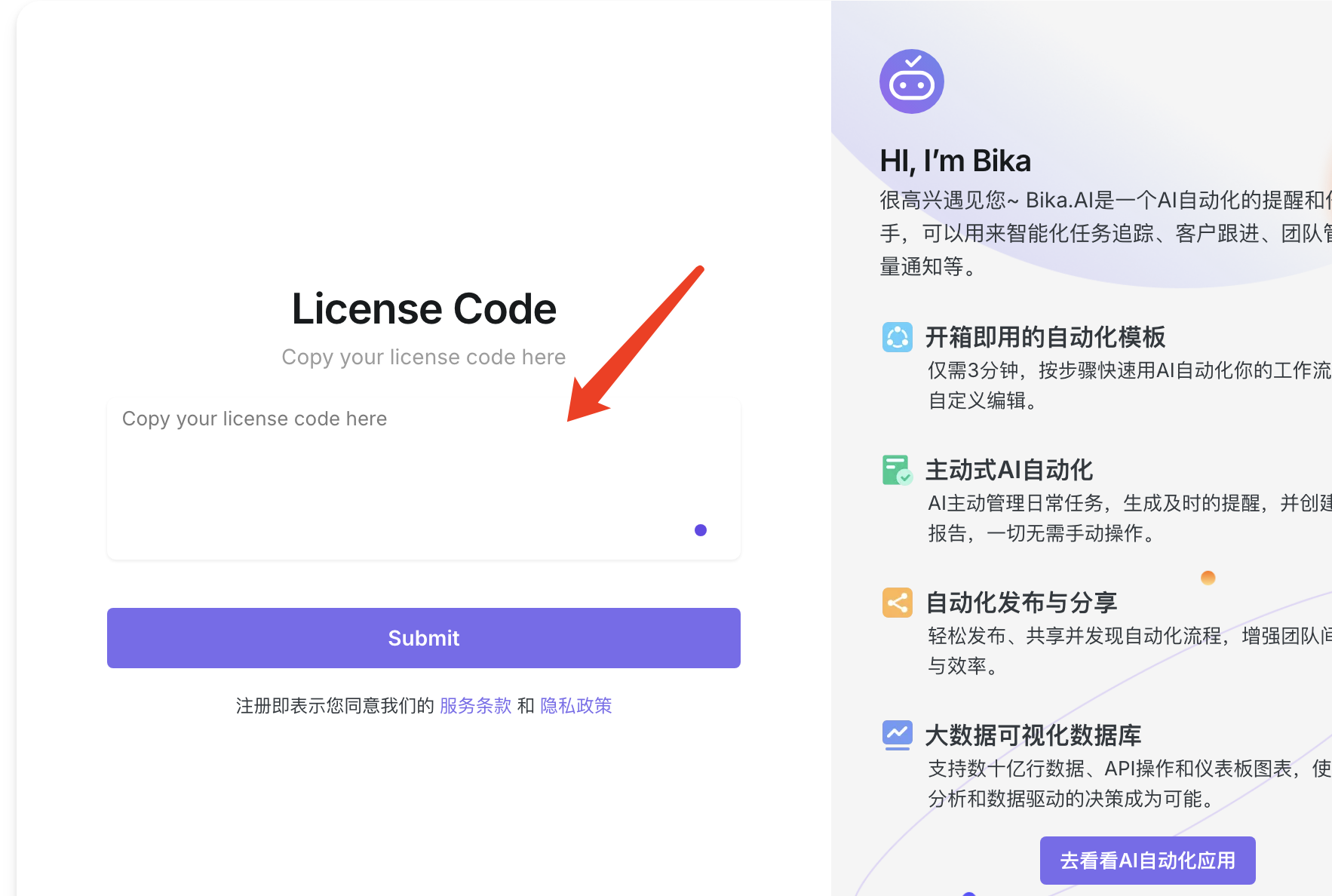
helm status bika -n bika-appOpen the homepage, enter license, and start experiencing bika.